A digital garment revision should say whether shape, surface or packaging changed
An updated digital outfit can look different because its geometry changed, its materials changed or its delivery package changed. Read the revision note before counting it as a new silhouette or assuming a compatibility problem was fixed. A useful changelog names the affected part and the actual release it belongs to.
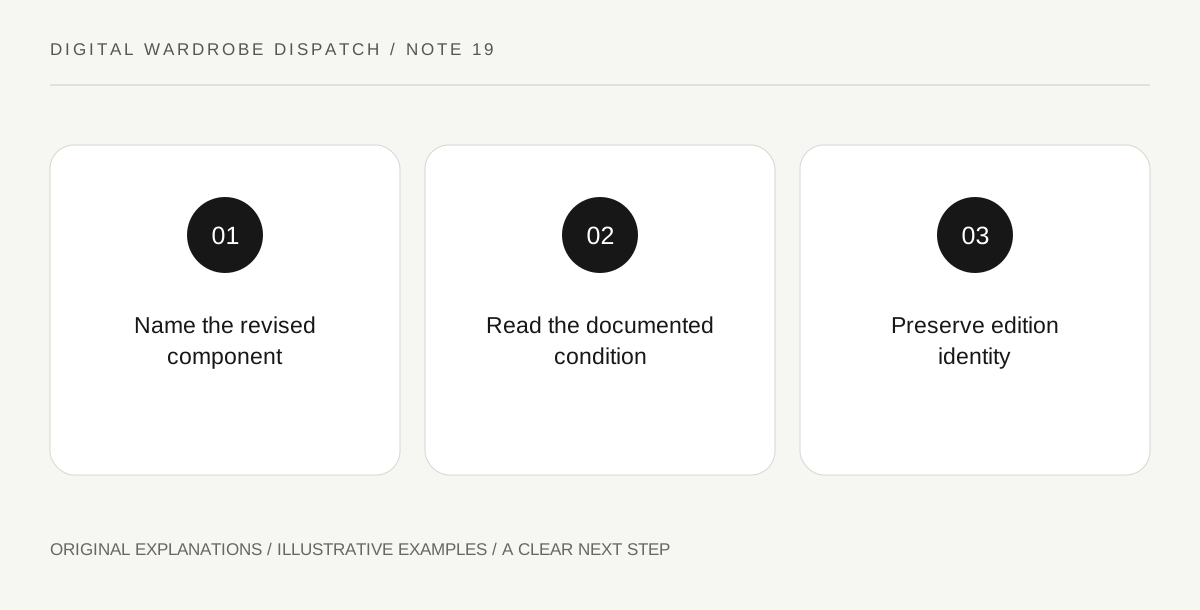
Original explanatory diagram. Read the full method and limitations below.
Identify the revision object
Copy the asset name, edition and update date. Look for whether the change concerns shape, material, animation or file packaging. The glTF specification treats geometry, materials and other data as distinct structures, while the material-variants extension provides an example of appearance changes without a new geometric form. These distinctions help read a release; they do not prove how an undocumented garment file was built. Keep the maker's stated change separate from your visual inference.
Read the correction at the failing condition
If a release claims to fix an issue, identify the condition named: one destination, one pose or one surface behavior. A change improving a neckline in one documented setup does not independently prove every body shape or app now works. Attribute any supplied test evidence and retain its scope. Do not call an update universally compatible merely because the promotional image no longer shows the original problem. The relevant question is what changed and where the maker says it was checked.
Separate replacement from an additional option
A new colorway might supplement an existing release, while a corrected package might replace an earlier file. Read which relationship the creator states. Do not overwrite the description of an older edition with the new one and imply that its original contents were always identical. A buyer or researcher may need to know which version a review discusses. Preserve enough identity to connect comments, source documents and delivered files to the appropriate edition without publishing private purchase details.
Write a concise change account
Describe the affected component and the documented result in ordinary words. If only a surface palette changed, say that instead of announcing an entirely new garment construction. If the delivery format changed, identify the new format without promising every importer supports it. A clear revision account can remain brief while being specific. Unknown source details should not be filled with guessed topology, editing steps or tests that the reporter did not perform.
Illustrative worked example
Illustrative scenario: a fictional jacket update adds three material combinations and repackages the download. A draft reports three new garment cuts and a universal fitting fix. The release note supports neither claim. The editor describes the surface and packaging changes, preserves the edition date and leaves fit behavior unchanged unless separately documented.
Questions that come up
Does a new colorway always mean new geometry?
No. Surface choices can change without changing the underlying form. Read the actual release rather than inferring construction from appearance.
Can a changelog prove a fix works in every app?
Only evidence for the relevant scope can support that. A maker's bounded correction should not be expanded into universal destination support.
References and scope
These sources support the factual background. Examples and exercises are original illustrative teaching material. References do not imply endorsement.
- Khronos: glTF 2.0 Specification — Required and used extension lists, asset metadata and format structure; support claims remain implementation-specific.
- Khronos: glTF Material Variants — The extension represents material combinations mapped to primitives; it does not itself specify garment sizing or a change of geometry.