Placing a digital garment in your room is different from demonstrating body fit
An augmented-reality object can make a digital garment feel convincingly present in a room. That spatial preview is useful, but it does not independently establish that the garment tracks a body, fits an avatar or corresponds to a physical size. Read the demonstration's actual task before repeating a fitting claim.
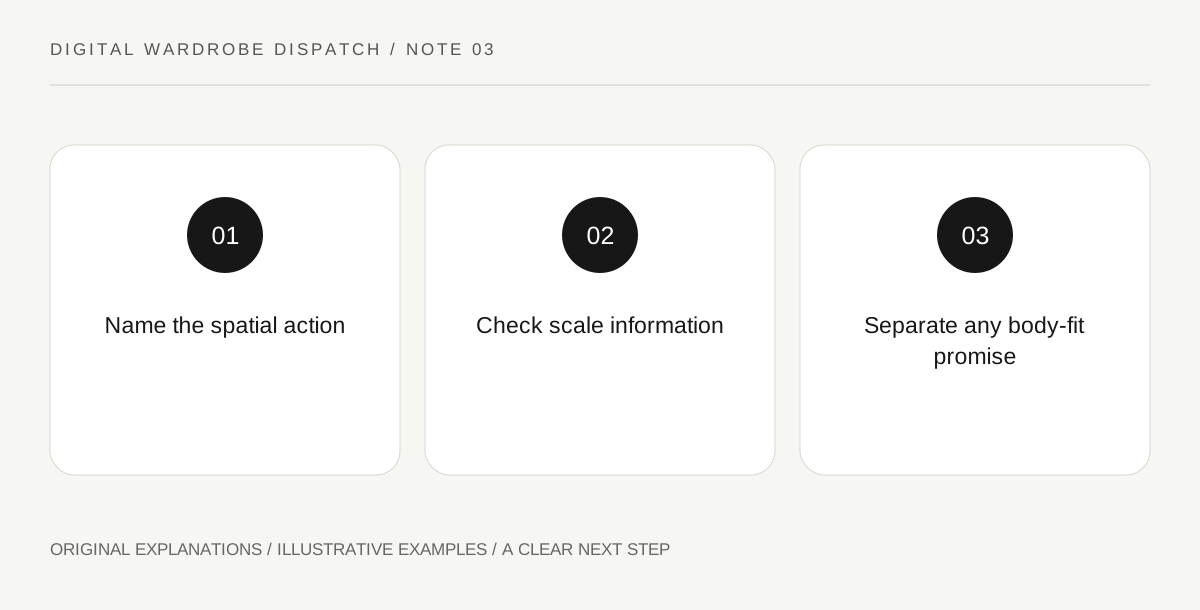
Original explanatory diagram. Read the full method and limitations below.
Describe the preview action literally
Apple's Quick Look documentation includes previewing augmented-reality objects using USDZ in supported contexts. A fashion page may use an object preview to show form in space. Record the action demonstrated: placing, rotating or inspecting an object. Do not rewrite it as trying on the garment unless a separate documented body-related workflow is actually shown. The distinction follows from the evidence available, not from an assumption that an ordinary object preview is unhelpful.
Ask what scale information is supplied
A spatial display can invite assumptions about real dimensions. Look for the asset's declared units, scale behavior and any relevant product measurements. A screenshot in a room does not independently calibrate every dimension, especially when the viewing arrangement can be changed. If physical sizing matters, use the actual product measurements and fitting information. Keep digital presentation scale separate from a claim that a physical garment will match a person's body or preferred ease of movement.
Separate body interaction from object placement
A genuine virtual try-on claim should explain the actual body or avatar input, supported conditions and limitation of the result. A garment floating beside a person does not supply that information. Do not infer collision, cloth response or accurate sizing from a short polished clip. If those features are claimed, seek relevant primary documentation and a clear description of what was demonstrated. A reader can appreciate a useful spatial preview while leaving the fitting question unresolved.
Write the dispatch at the demonstrated level
Use a sentence that names the supported device context and preview action, with body-fit claims reported separately. Avoid promising that every reader's device can reproduce an experience merely because one promotional clip does. Check current official support before publishing specific instructions. The editorial value lies in separating a visual access feature from a stronger product claim, preserving the usefulness of both where evidence exists. Unknown support or fit information should remain visible rather than disappearing behind an attractive room render.
Illustrative worked example
Illustrative editorial scenario: a digital dress page lets a viewer place its 3D object beside a chair. A draft calls the feature an accurate fitting room. The editor changes the description to a spatial object preview and asks whether any body measurement or tracking process is involved. The revised account reflects the demonstrated action without claiming the object preview was tested personally.
Questions that come up
Is an AR preview useless without try-on?
It can help inspect form and presentation in space. Its usefulness should be described according to that task rather than inflated into an unrelated fitting guarantee.
Can a room screenshot prove exact garment dimensions?
Not by itself. Use documented asset scale and actual product measurements where relevant, keeping the limits of a visual demonstration clear.
References and scope
These sources support the factual background. Examples and exercises are original illustrative teaching material. References do not imply endorsement.
- Apple: Quick Look Documentation — Quick Look previews files, including specified augmented-reality USDZ objects; a preview is not evidence of garment fit.
- Apple: Quick Look Gallery — Apple provides examples of viewing virtual objects in 3D; the gallery does not certify a digital garment for avatar use.